



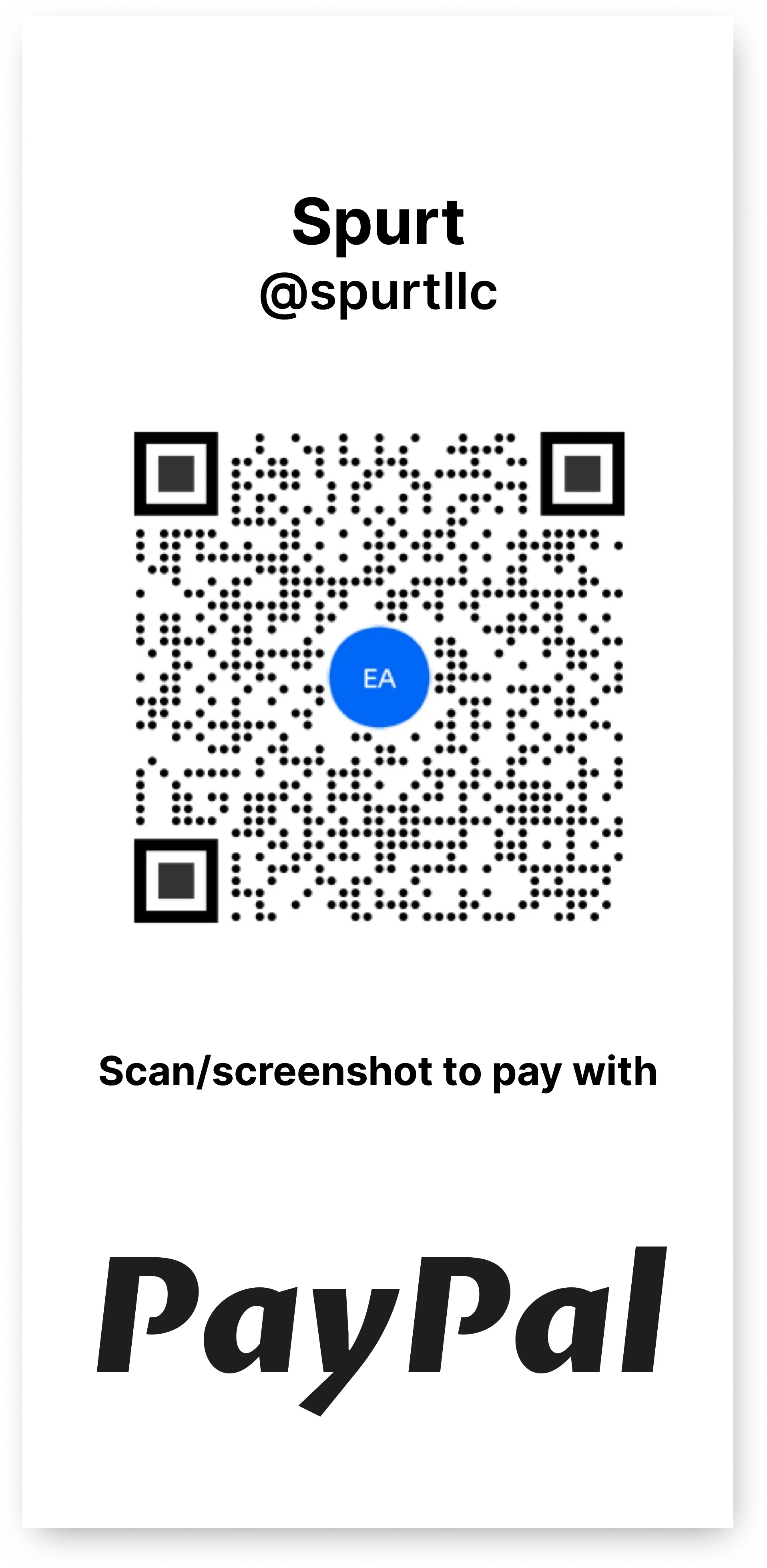
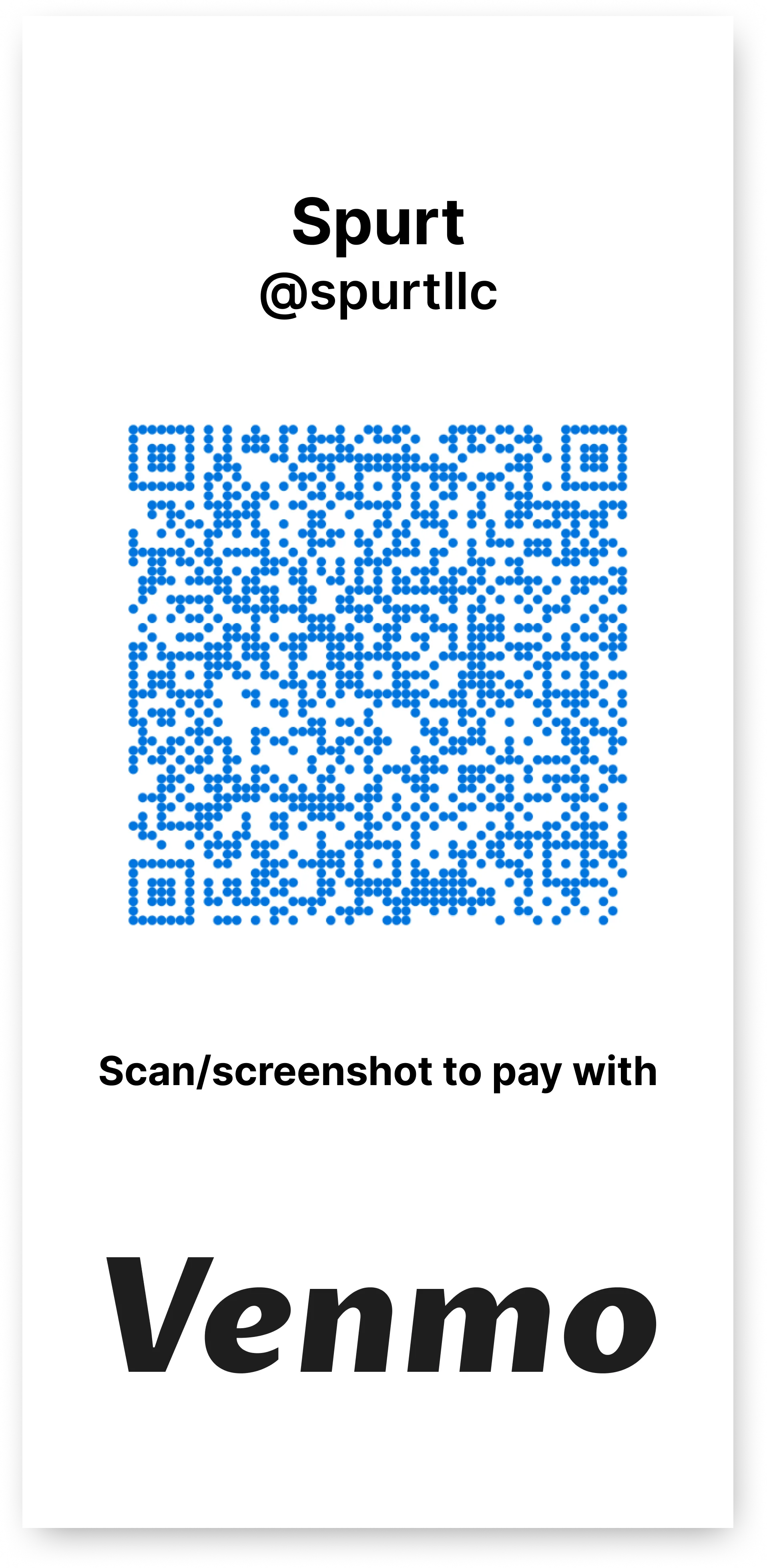
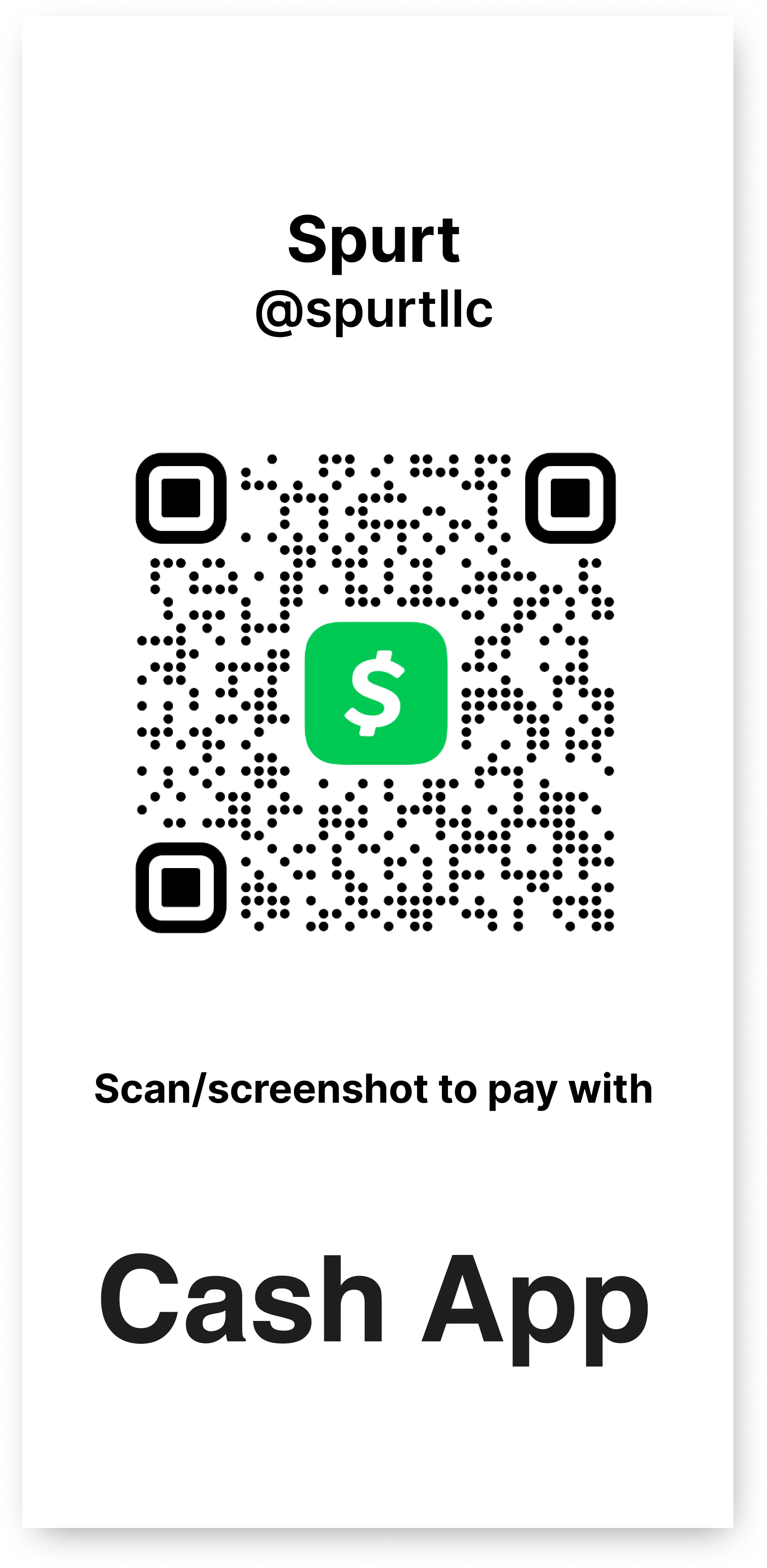
Here's how you can easily
pay for services or make a donation to Spurt!
Desktop
1. Open the camera app.2. Use the rear-facing camera.
3. Center the QR code on the screen
4. Hold the phone steady for a few seconds.
5. Tap the banner that appears.
6. Follow the instructions on the screen.
Mobile
1. *If a vailable* Take a screenshot of the QR code .2. Open the app.
3. Tap the scan icon.
4. Click the image icon that will access your phones image library.
5. Upload the image of the QR code.
6. Follow the instructions on the screen.
*Alternative option* You can always type in Spurt Studio in the desired application.
Money is a terrible master but an excellent servant.
- P.T. Barnum